I built my own Wispr Flow. It runs on my PC, with no subscription.
A local dictation app on my own PC, the five bugs that taught me the most, and why talking changes how you prompt.
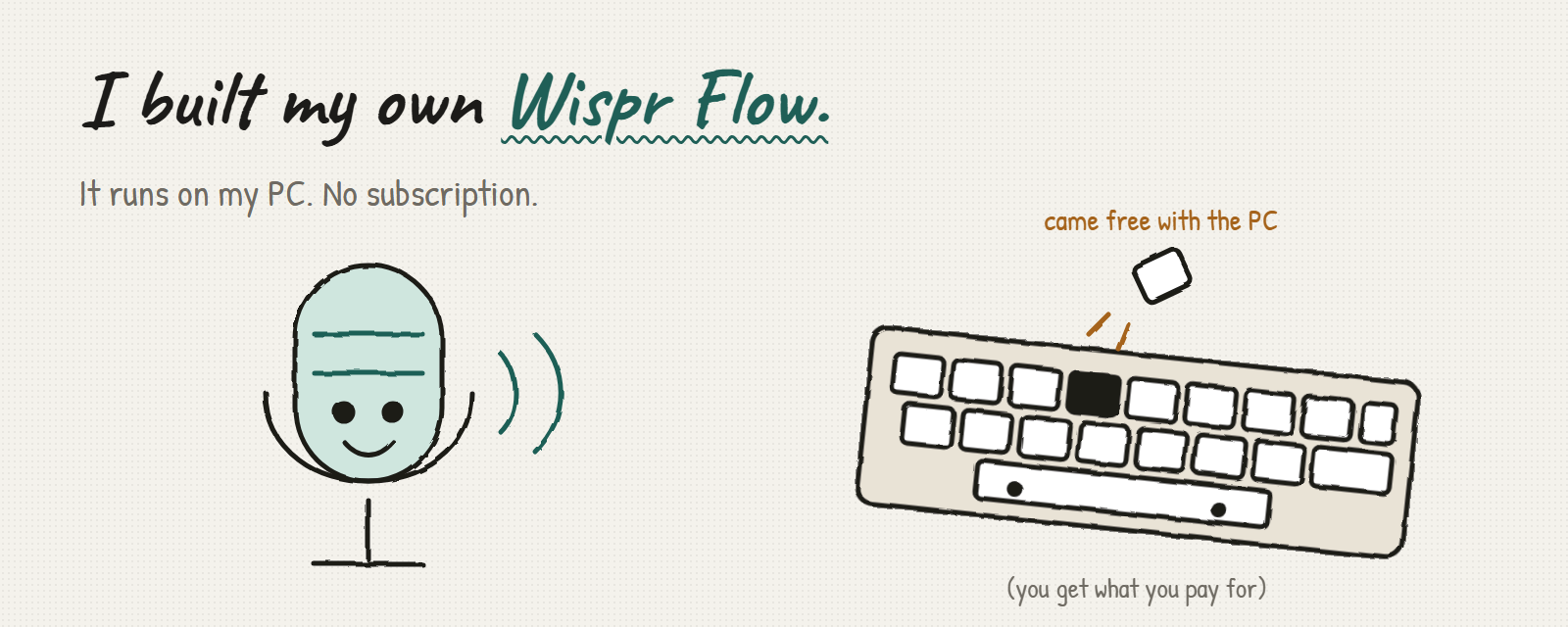
Wispr Flow Pro is $15 a month. Your voice goes up to their servers and you get text back.
I wanted speech recognition on my own machine instead. So I built Utter. In the first week I was dictating at 165 words a minute.
Normally I type at about 110. Normally. My current keyboard came free with my PC, and like everything that comes free with a PC, it is very bad. I could buy a proper one. But I'm also the guy who built his own dictation app to avoid paying $15 a month, so you can see how that's going.
Thank god for Utter.
Here's how I got there.
Start with something that already works
I didn't write a speech model. The voice client underneath Utter is built on CapsWriter-Offline, an open-source project, with Qwen3-ASR running on my GPU. Press a shortcut, talk, and the text gets typed into whatever window I'm in. No audio leaves the PC.
Recognition is one step. Everything around it was the real work.
The day it started eating my words
I added a desktop app on top of the client (a home screen, a dictionary, settings, usage stats). That same day, a lot of what I said started getting cut off.
The final text can't tell you why. A missing sentence looks the same whether the mic dropped it, the audio never reached the model, or a clean-up step deleted it.
So now every recording gets a capture report: how long I held the key, and how many seconds of audio the mic actually delivered. Lining those two numbers up sorted it out.
And the list of causes was mostly about the headset. Bluetooth earbuds starve for bandwidth, especially right after they connect. Sometimes the mic streams pure silence after a long break. Sometimes the headset wasn't connected at all, because it was in its case or my phone had grabbed it.
Making the AI clean-up behave
After recognition, the text goes through a few fixes before it's typed: my dictionary, replacements for words it keeps mishearing, and an optional AI polish pass.
I switch between Chinese and English mid-sentence, so I gave the polish two rules. Chinese stays Chinese (no turning it into English or pinyin). And cut the "um"s and repeats, but don't rewrite my sentence into what the model thinks sounds better.
Models don't always listen. So there's a guard too. If the polished text comes back much longer than what I said, or starts reading like an answer instead of an edit, Utter throws it away and types my original words.
It also learns. An AI pass reviews my own corrections and adds the words it keeps getting wrong to the dictionary. Once it has learned a mishearing, it catches it far more often.
What broke while building the voice client
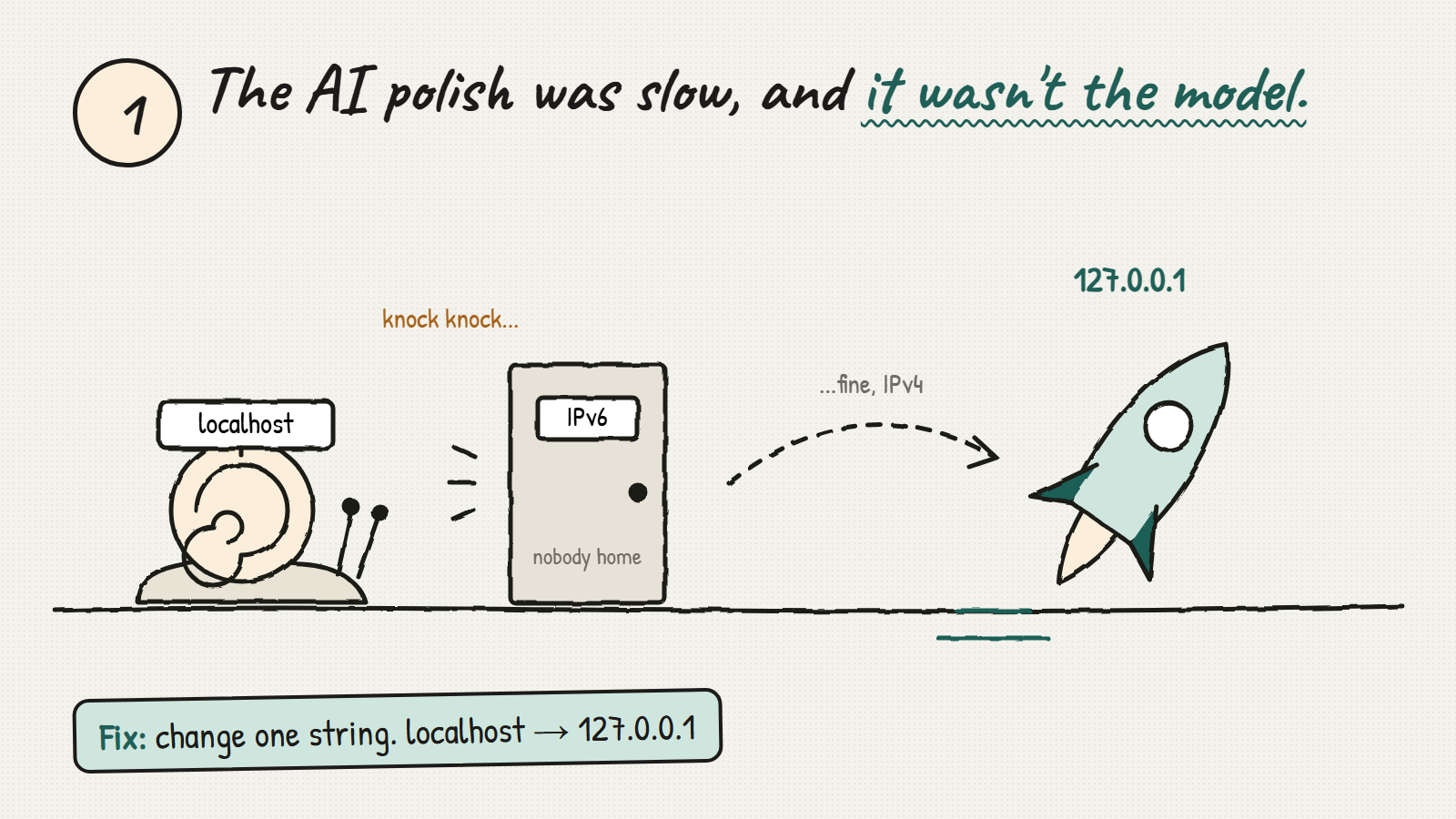
1. The AI polish was slow, and it wasn't the model.
- Every clean-up stalled before the first word. A different model and a shorter prompt changed nothing.
- On Windows, "localhost" tries IPv6 first, and the model server only listened on 127.0.0.1.
- Changing one string made it feel instant.
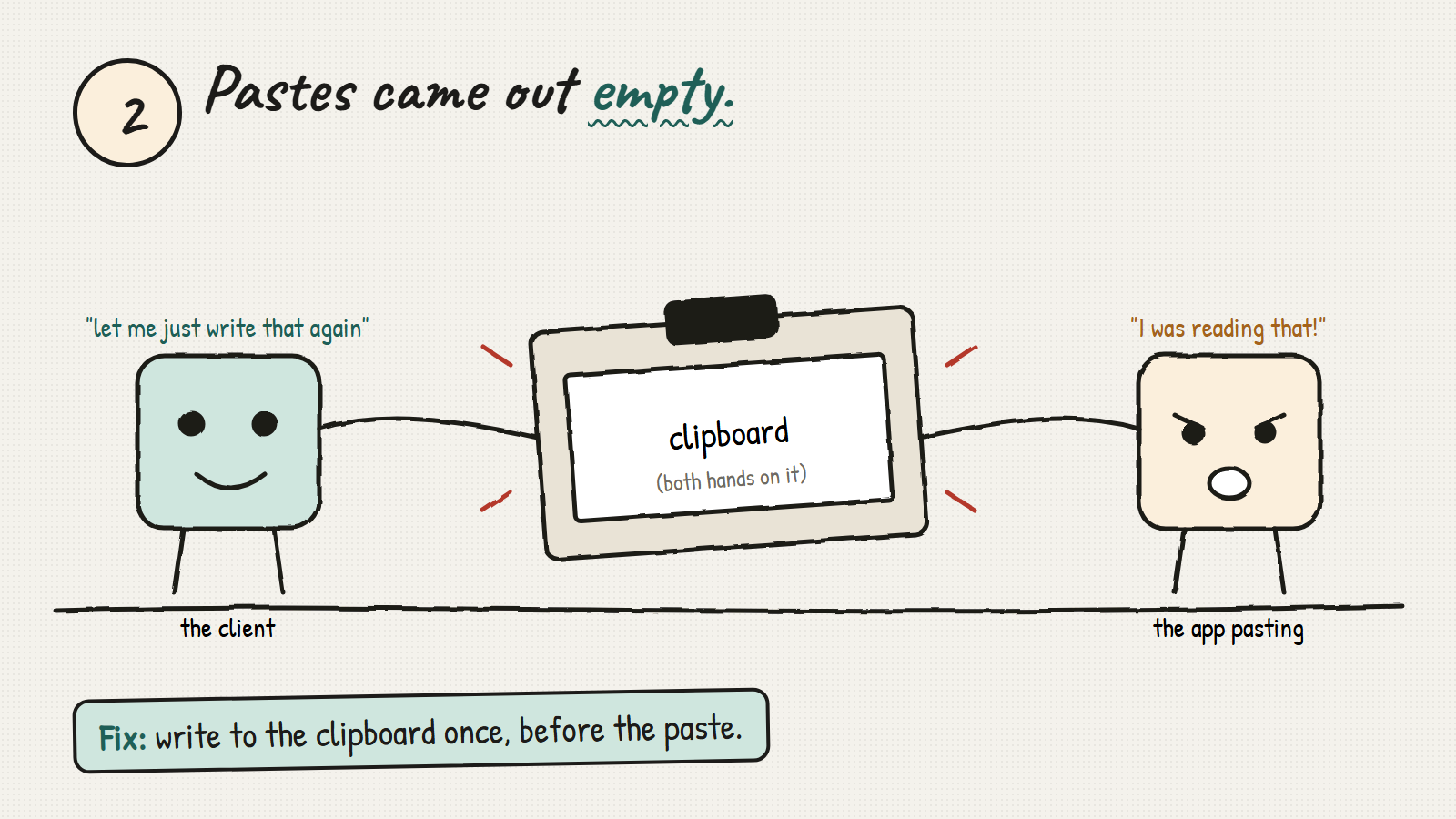
2. Pastes came out empty.
- The client wrote my text to the clipboard again right after pressing Ctrl+V.
- That collided with the app reading the clipboard for the paste.
- Now it writes once, before the paste.
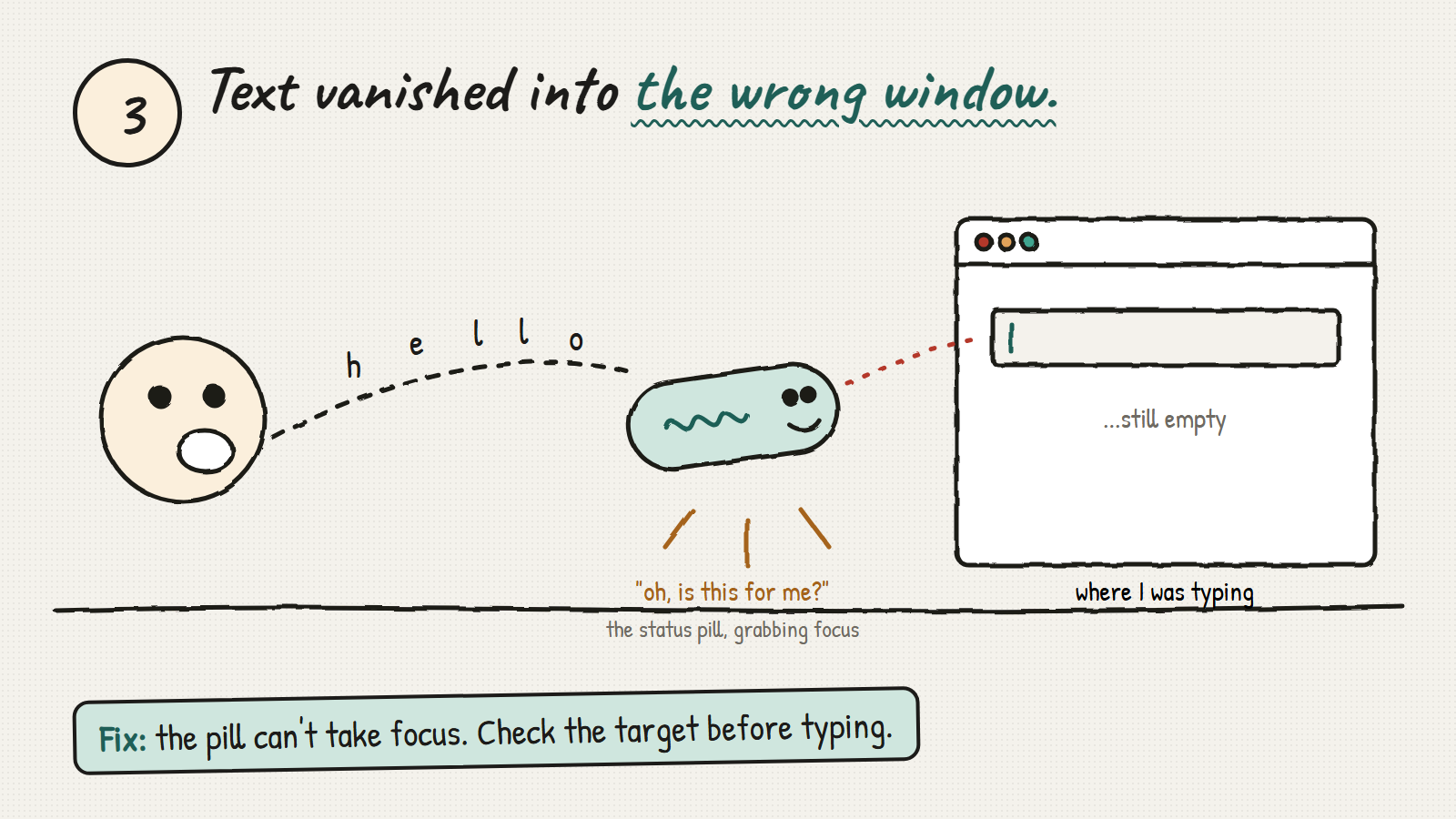
3. Text vanished into the wrong window.
- The status pill or a pop-up could grab focus for a moment, so the keystrokes went there.
- Now the client checks the target window still has focus before typing.
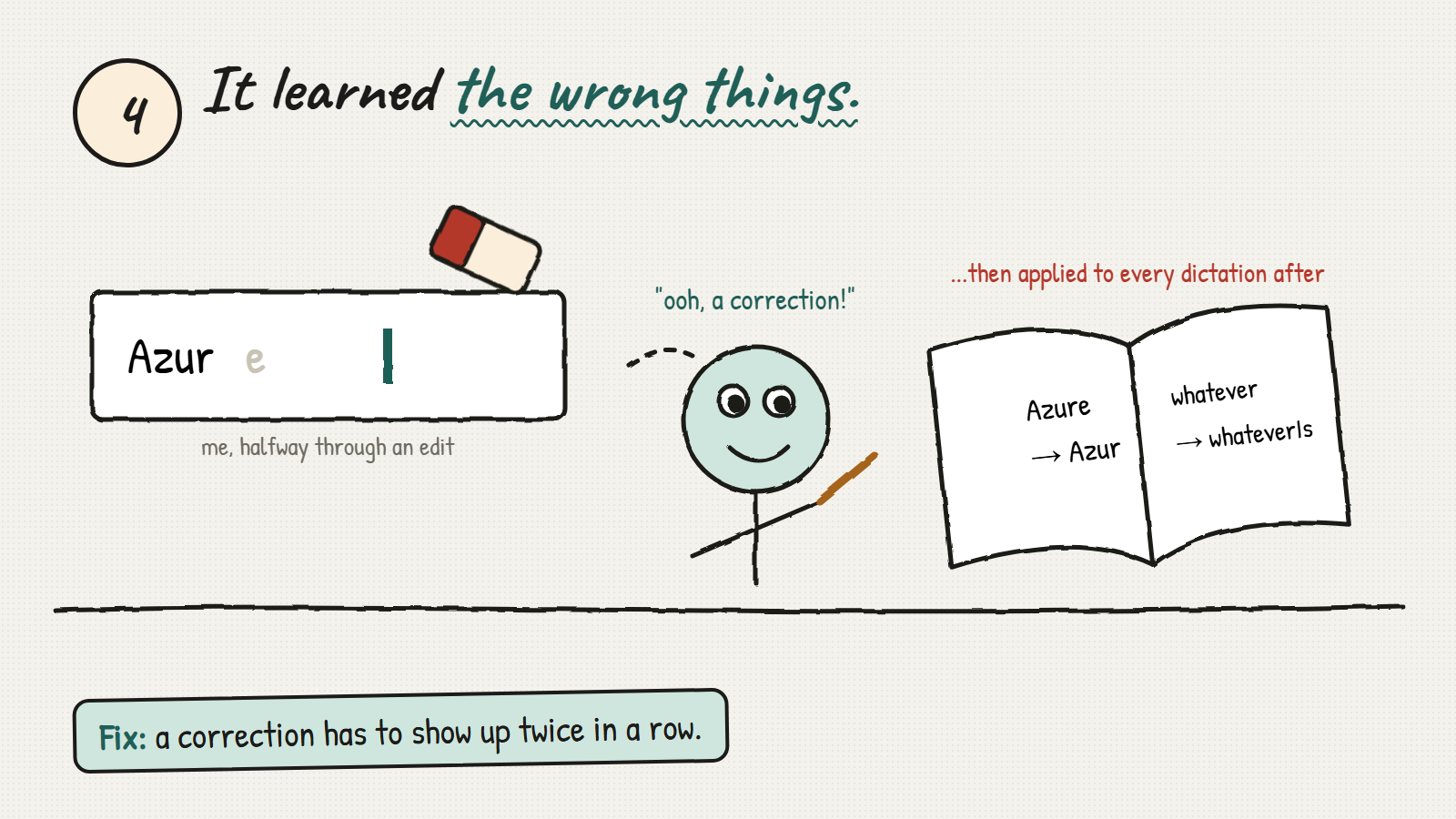
4. It learned the wrong things.
- It read my edits halfway through, so "Azure" got learned as "Azur" and applied to every dictation after.
- Now a correction has to show up twice in a row before it counts.
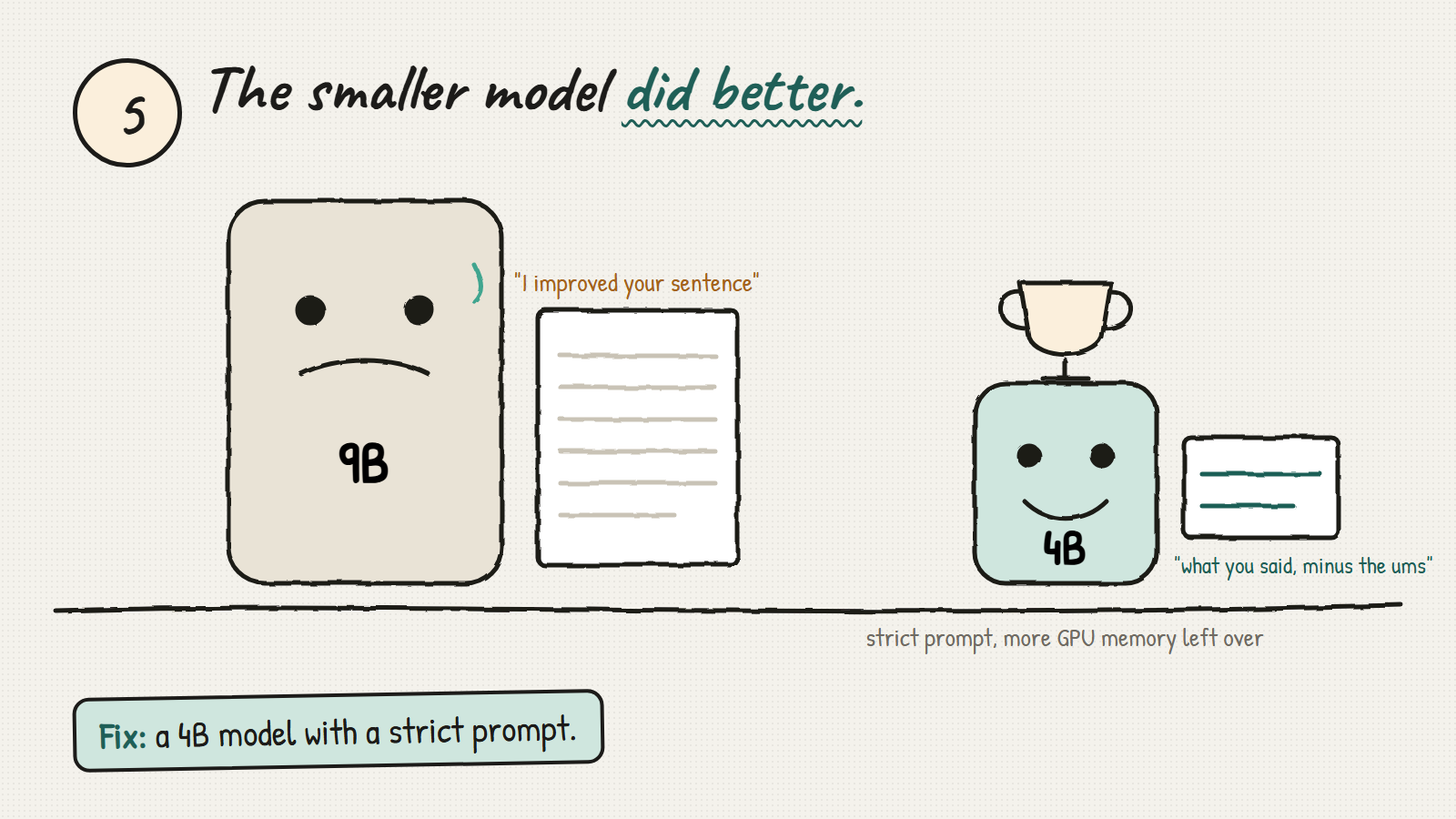
5. The smaller model did better.
- A 4B model with a strict prompt stayed closer to what I said than the 9B.
- And it freed up GPU memory.
The checklist: where did my words go?
This works for any speech-to-text tool. When text is wrong or missing, go in this order:
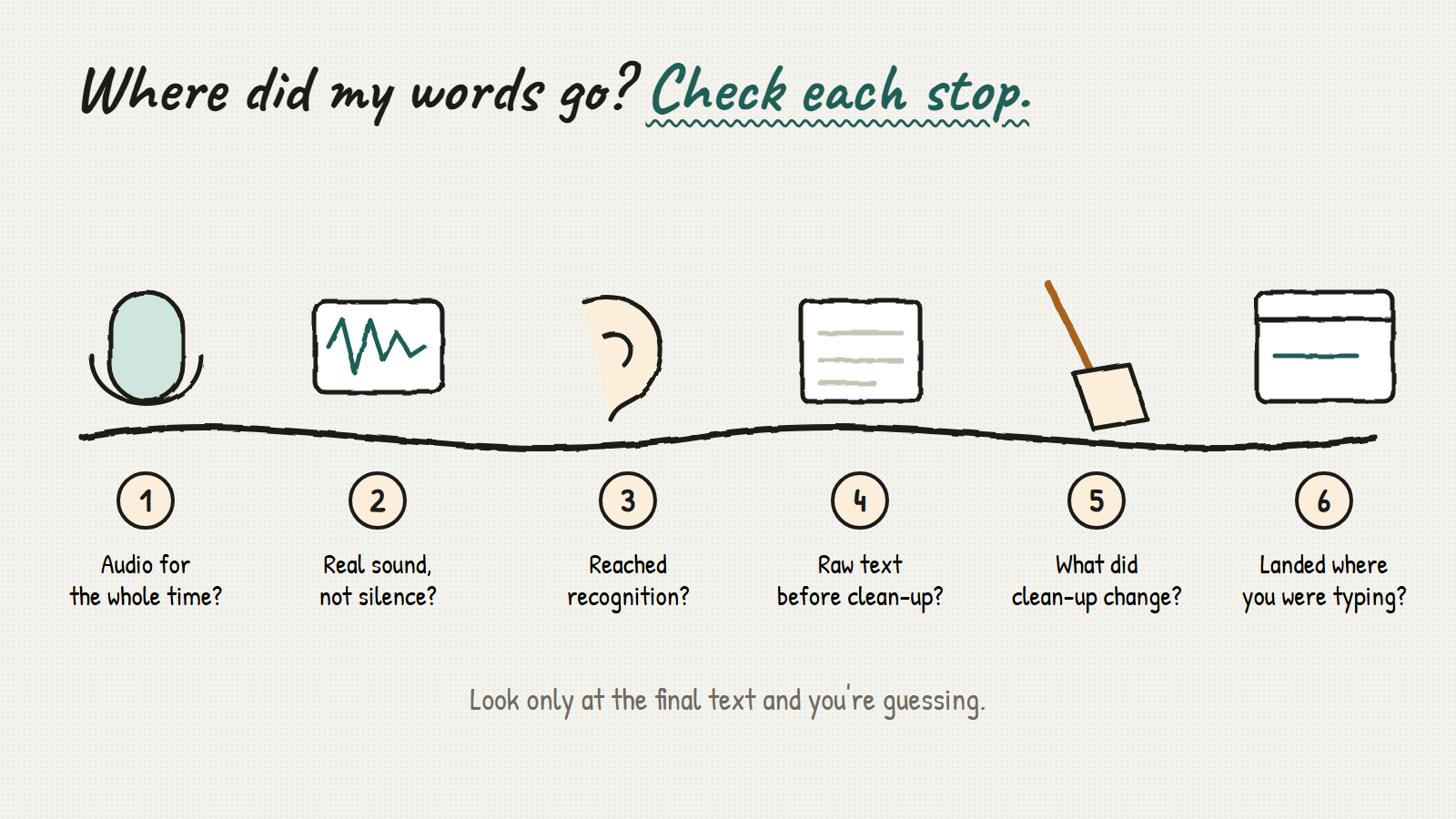
- Did the mic deliver audio for the whole time? Compare how long you held the key with how much audio arrived.
- Was it real sound? Check the peak level. A full-length recording can still be silence.
- Did the audio reach recognition? If it arrived and produced nothing, it's the app, not you.
- What did recognition produce before clean-up? Keep the raw text, so you can tell a mishearing from a bad fix.
- What did clean-up change? Diff raw against final. A big rewrite is a polish problem, not a recognition one.
- Did the text land where you were typing? If there was no target window, is it still on your clipboard?
Look only at the final text and you're guessing.
Talking changes how you prompt
Here's the part I didn't expect.
When you type a prompt, you edit as you go. You keep it short, because typing is effort. When you talk, it turns into stream of consciousness. You ramble, you correct yourself, you add the "oh, and also" you'd never bother typing.
With a coding agent, there are two ways to use that:
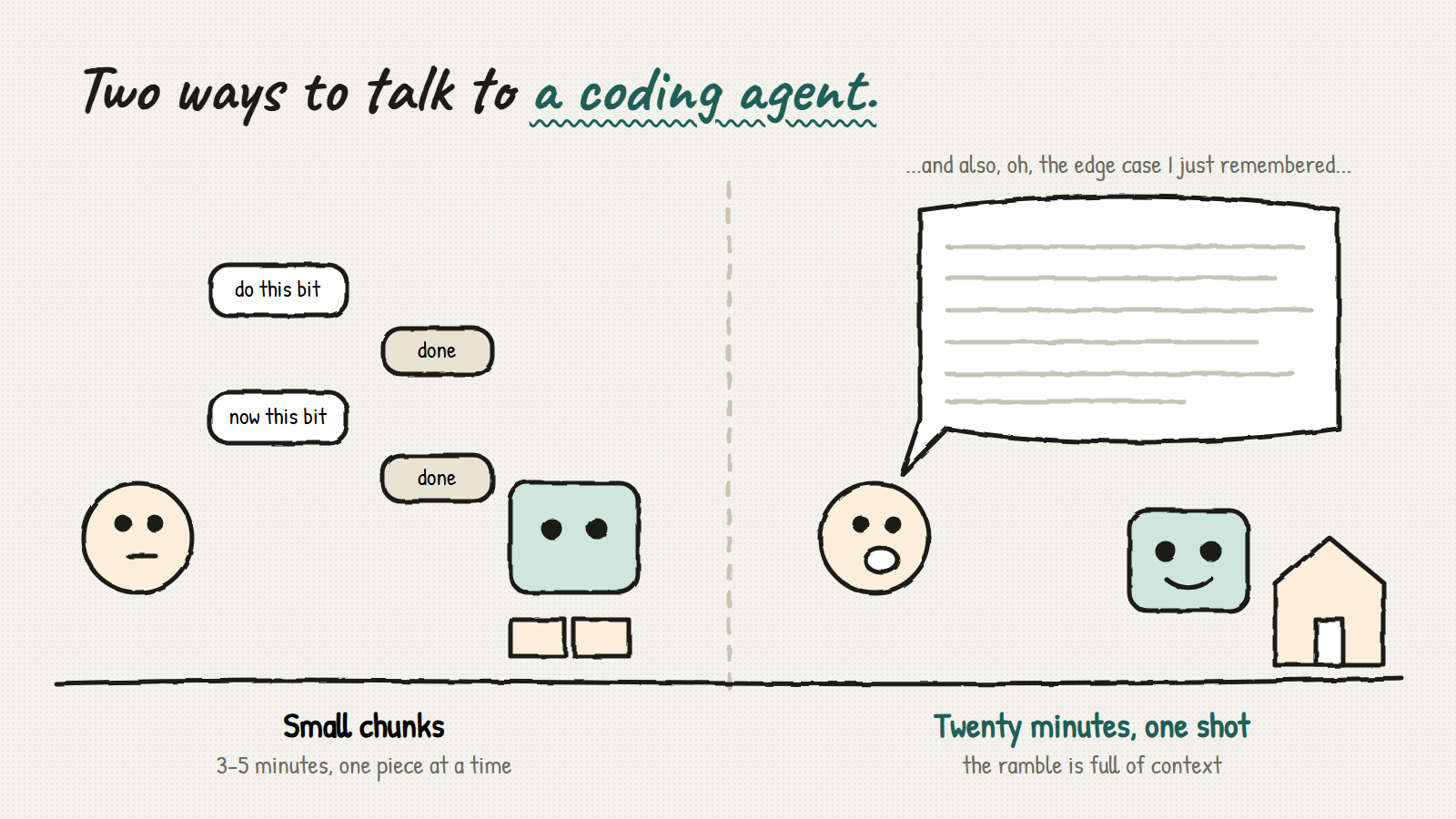
- Talk in small chunks. Three to five minutes, let the agent do a piece, check it, talk again.
- Talk for twenty minutes, then one-shot it. Dump everything you're thinking, then hand the whole thing over in one go.
Small chunks feel safer. That's how we all learned to prompt: small steps, check each one.
But I think the long one-shot works now. Models are smart enough to take a messy twenty-minute ramble, pull out what matters and do it. And the ramble is the good part. It's full of the context you'd cut if you were typing: why you want it, what you tried, the edge case you just remembered.
Typing made us write short prompts. Talking doesn't have to.
So, $15 a month?
Wispr is now valued at $2B, and good for them. Their site says you'll write 4x faster than typing. My number is 1.5x. Against the free keyboard, probably more like 10x.
Either way, the core loop is all out there now, and you can build it for yourself.
Utter is open source: sz-747.github.io/utter-public